


On-premise and private cloud options
Zenhub can be fully deployed behind your firewall or in your preferred private cloud for complete data sovereignty and compliance.
Zenhub Enterprise offers powerful project management with on-premise deployment for teams that demand full control over data, infrastructure, and performance, while staying deeply integrated with GitHub.

Zenhub can be fully deployed behind your firewall or in your preferred private cloud for complete data sovereignty and compliance.

Eliminate context switching with a platform that works where your developers already do: directly in GitHub.

From 50 to 500+ engineers, Zenhub supports growing organizations with flexible project hierarchies, roadmaps, and access controls.

Role-based access, audit logs, and authentication integrations (SSO/SAML/LDAP) give admins the control they need.
Features
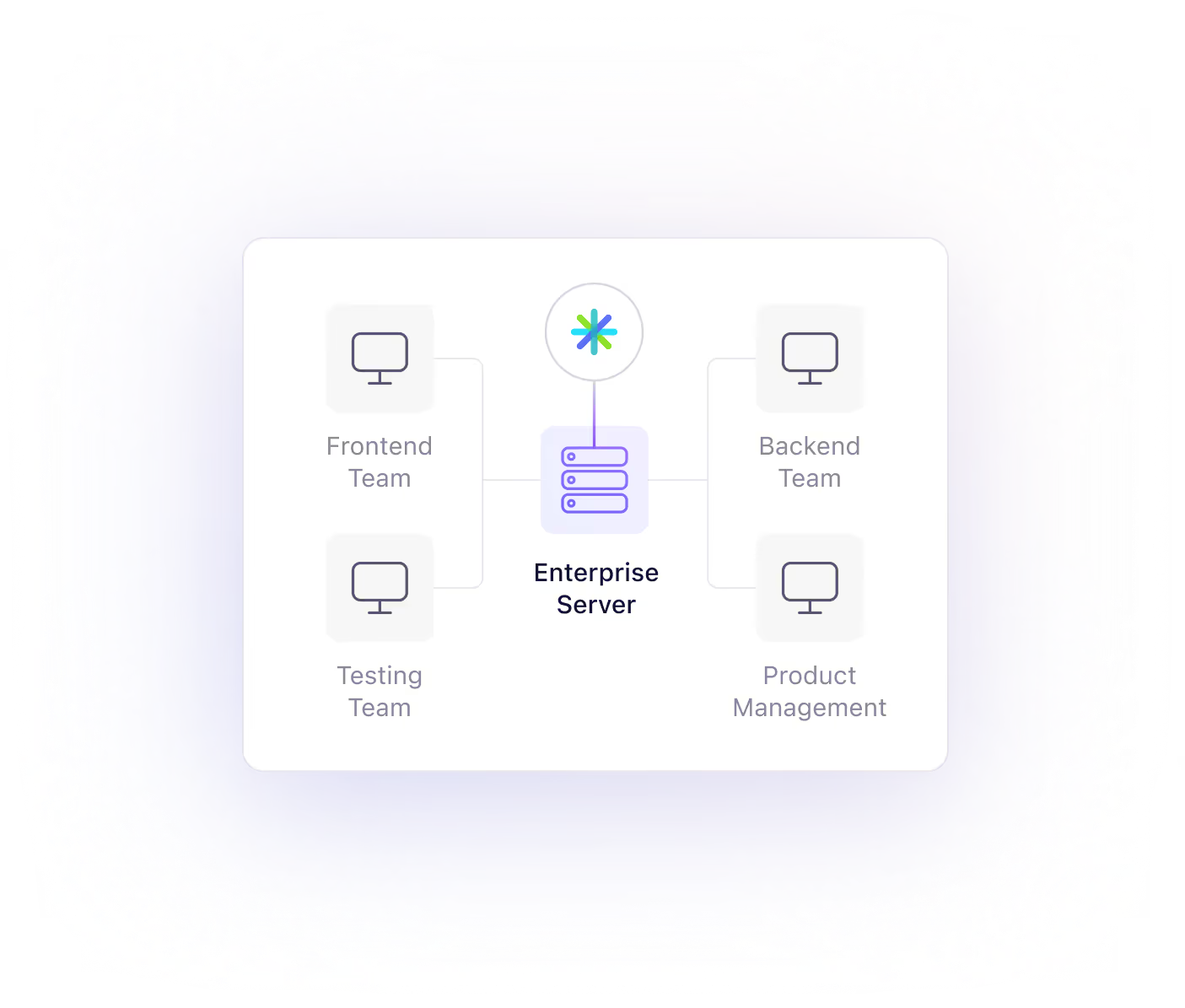
Install and run Zenhub securely within your own infrastructure.
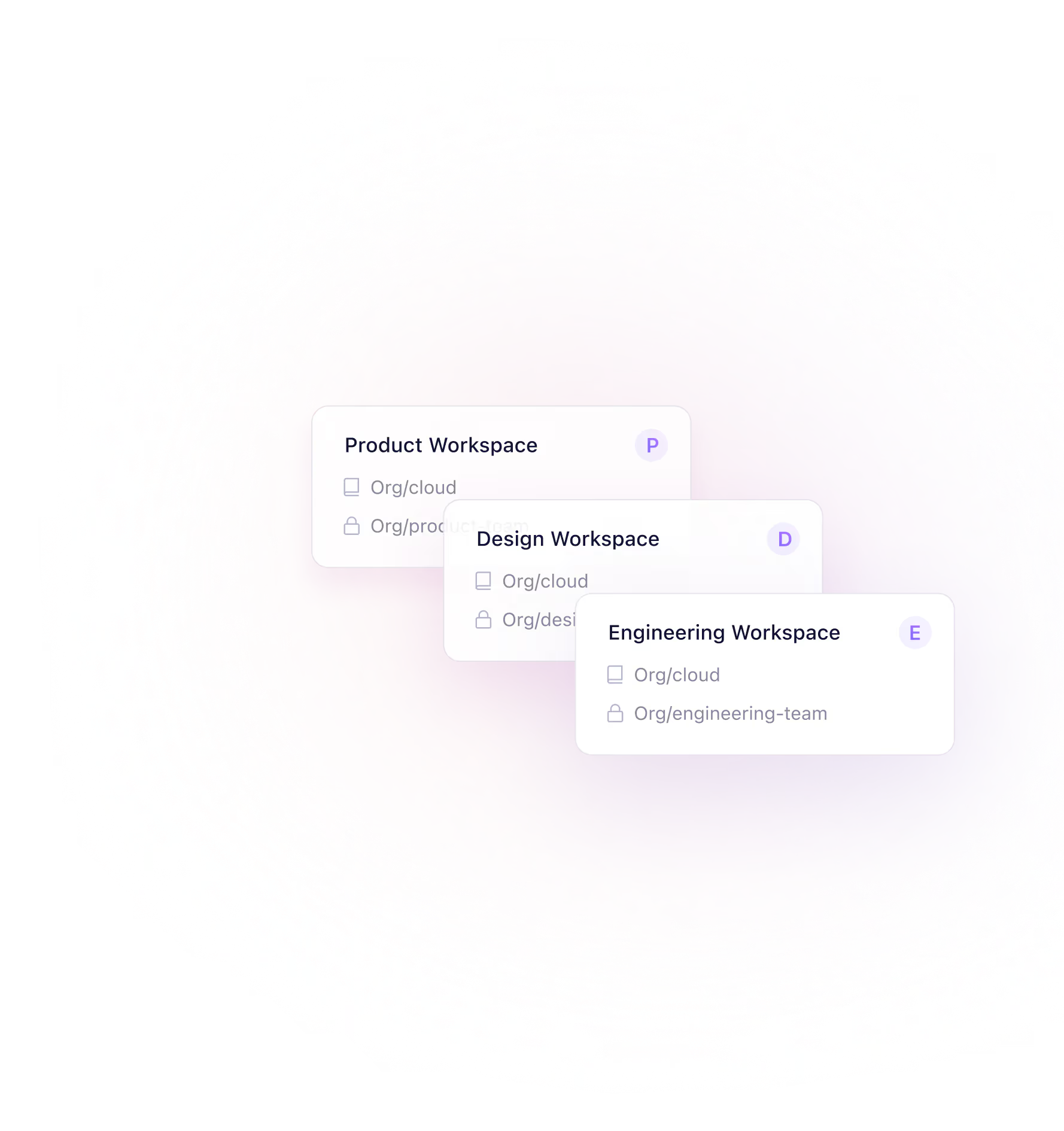
Manage complex cross-team initiatives with visibility across multiple repos and teams.
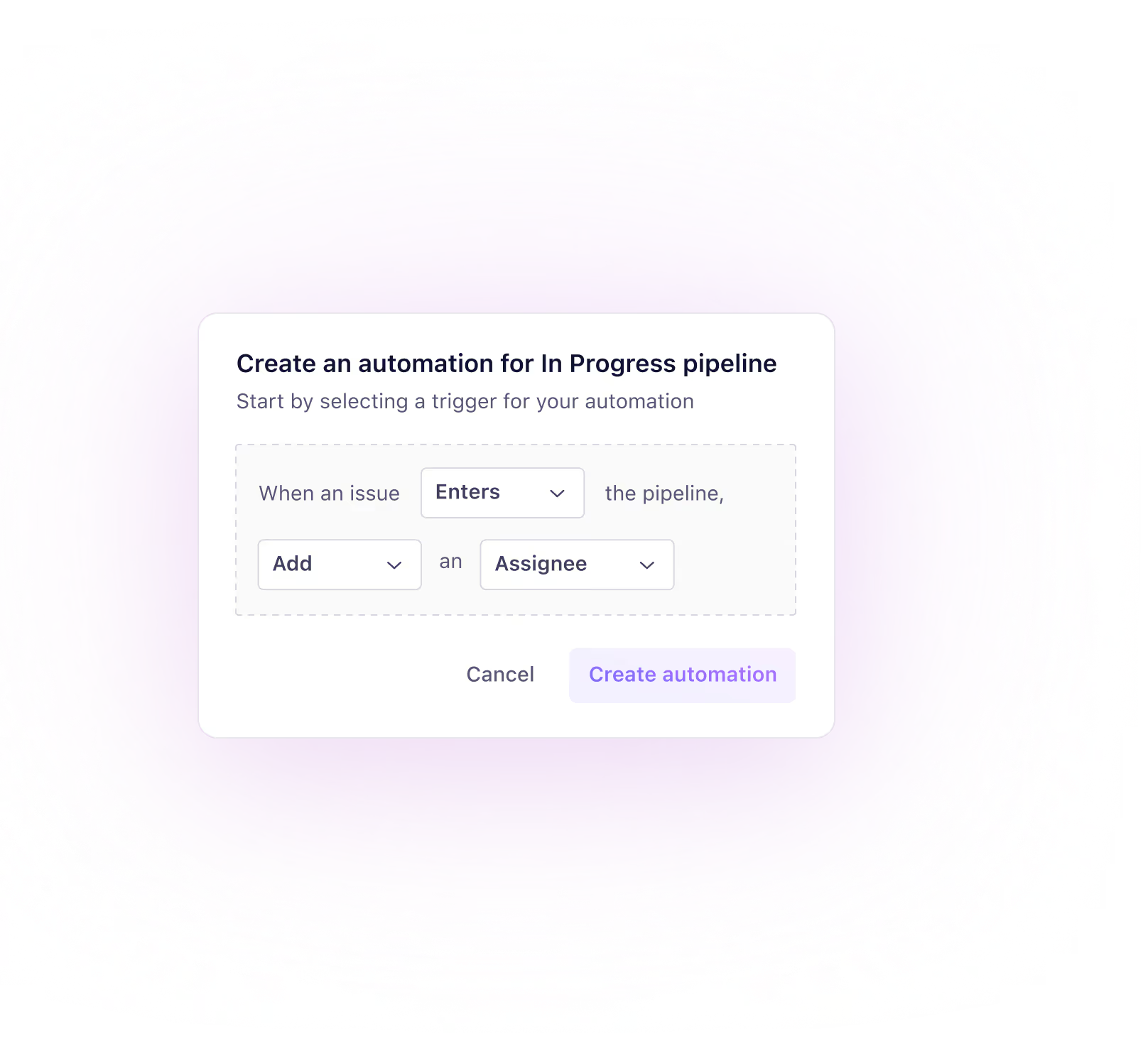
Auto-update progress based on GitHub activity to reduce status meetings and manual updates.
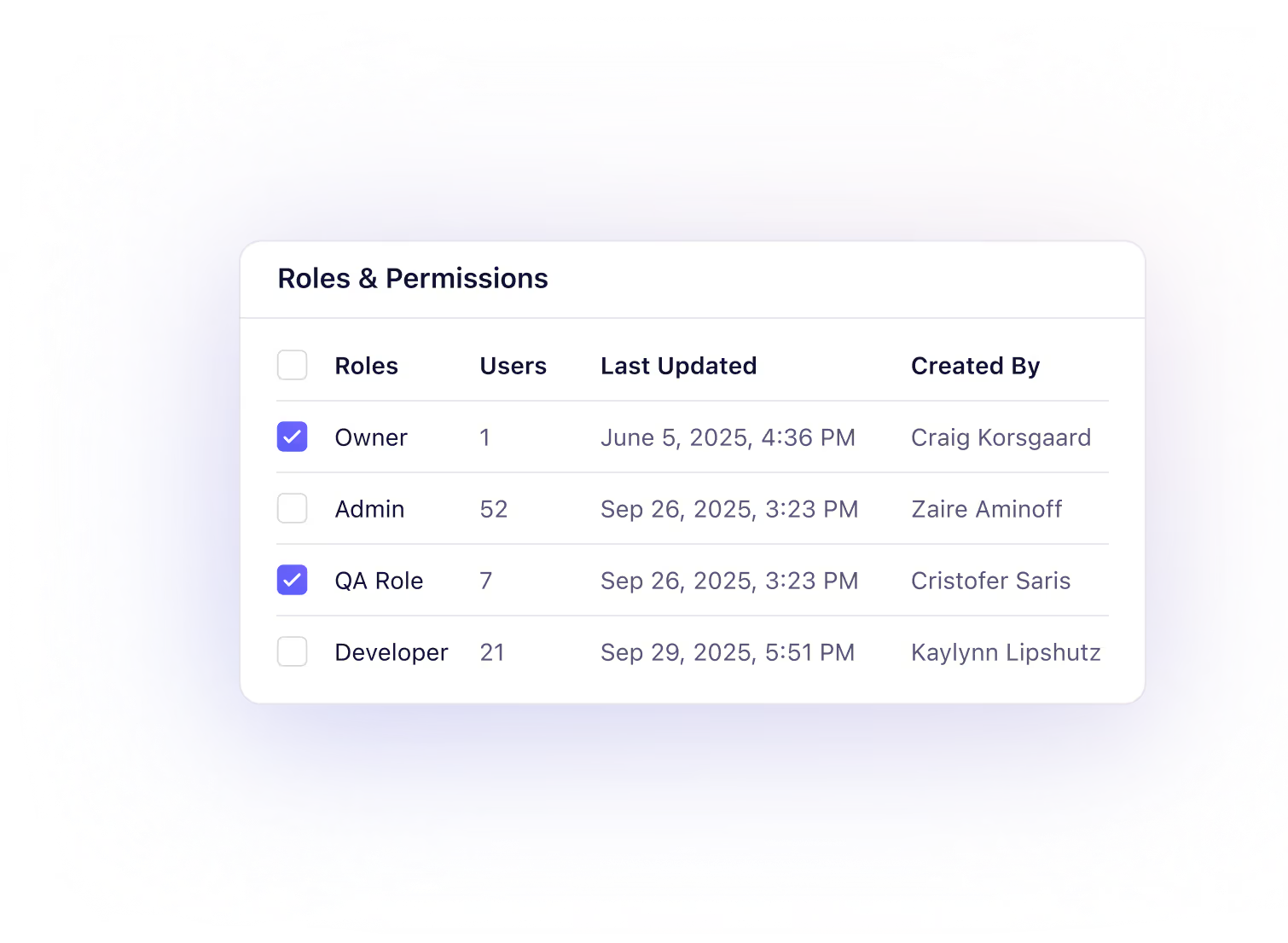
Assign team-specific permissions and keep sensitive work restricted to only those who need it.

Coordinate agile delivery across distributed teams with sprint and release tools integrated with GitHub Issues.

Track activity and maintain accountability across large teams and projects.
See how our solutions can enhance your engineering workflow.

Datasaur scaled fast with lean teams—and used Zenhub to stay focused
Datasaur’s lean engineering team needed to maintain speed while managing complex workflows, cross-functional coordination, and sprint planning inside GitHub.
Zenhub gave Datasaur a single view across all initiatives and a deeply embedded GitHub experience. With features like board automations, sprint tracking, and multi-repo planning, the team shipped faster while keeping meetings to a minimum.
We’ve grown from a team of two engineers to over a dozen across three continents. Zenhub has helped us stay lean, agile, and organized.
 Ivan LeeCEO, Datasaur
Trusted by industry leaders




Quick answers to common questions about the Zenhub Community.
To find out which GitHub Enterprise versions Zenhub currently supports, please check the GitHub Enterprise Server compatibility section of the Zenhub Enterprise release notes here.
Zenhub has two deployment types, Zenhub Server for Kubernetes and Zenhub Server for Virtual Machines.
• For Zenhub for Kubernetes, please refer to the k8s-cluster directory.
• For Zenhub as a VM, please refer to the virtual-machine directory.
To deploy the VM, you need the machine image for your hypervisor of choice.
Currently, supported platforms include:
• AWS EC2
• VMware
• Hyper-V
• Azure
• KVM
• Google Cloud Platform
Learn more here.
You can upgrade Zenhub for VMs to Zenhub for Kubernetes down the road. However, moving from a Kubernetes back to VM is not supported at this time.
See why fast-moving, GitHub-first teams choose Zenhub to manage their most complex work.